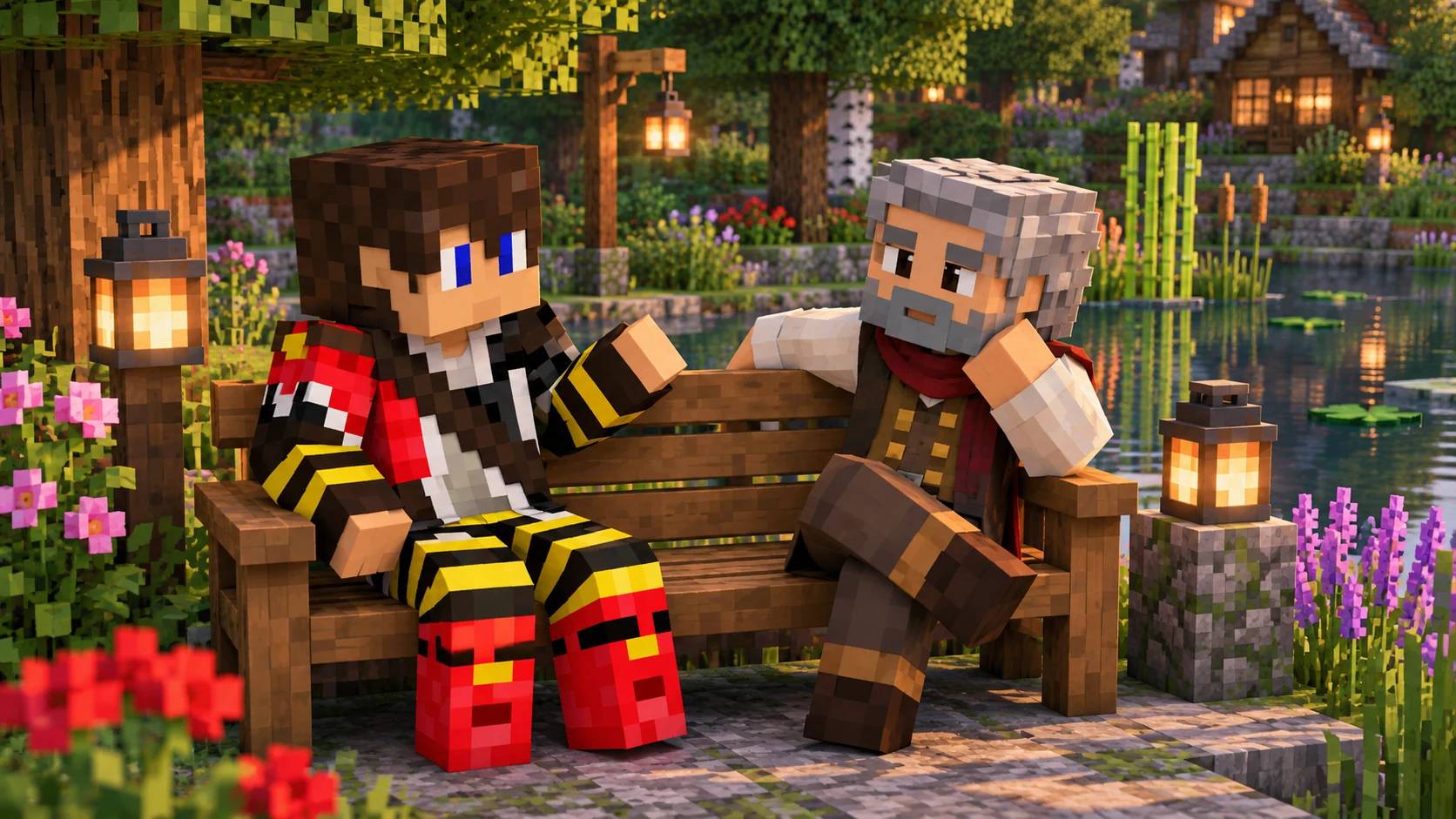
“Who are you playing with?” can be a perfectly reasonable question, but it helps to understand what the friendship means to your child. They may be proud of a shared build or pleased someone invited them to a project.
The aim is to make talking about online friendships ordinary, so that awkward or worrying moments are easier to mention too.
A guide for parents and carers
TogetherCraft is an adult Minecraft community. This guide supports parents and carers and is not an invitation for children to join.
In this guide
Try a specific opening
“Show me something you built with another player” is often a more useful starting point than asking for a complete account of everything that happened online.
Begin with what they enjoy
Ask what makes someone good to play with. Perhaps they share materials, explain redstone or include others in a game. Let your child describe a positive experience before moving to concerns.
You could ask, “What did you work on together?” or “What happens when someone wants to do something different?” These questions give you more useful context than judging a friendship solely by how many hours people have played together.
Separate friendliness from knowing someone’s identity
Explain that a username, skin and friendly conversation do not confirm who a person is. Time spent playing together does not remove the need for privacy.
Use an everyday Minecraft example: someone offers to help with a castle and then asks for a photograph. The help does not create an obligation to share anything. Practise saying no and leaving without an argument.
Agree boundaries for personal information
Discuss examples that make sense to your child, such as a school name appearing on a photograph or a location being mentioned during voice chat. Include other people’s information too.
Choose a simple household rule: if a conversation moves towards personal details, private photographs, account access or meeting up, stop and speak to a trusted adult. This should apply even when the other person seems popular or helpful.
Talk about private channels and secrets
A request to move from a shared game into a separate private app deserves a fresh review. Check that service’s age requirements and privacy options rather than treating it as part of Minecraft permission.
Make a clear distinction between a harmless surprise build and being told to hide contact from carers. Pressure, threats or demands to keep a relationship secret are reasons to stop the contact and get adult help.
Rehearse asking for help
Offer words your child can actually use: “Someone keeps asking me something and I do not like it,” or “I clicked something and need help.” They do not need a perfect explanation before approaching you.
Tell them you will listen even if they broke an agreed rule. You may need to change an arrangement, but your first response can still be calm, supportive and focused on what happened.
Keep the conversation open
A short chat after a session can be enough: what went well, what felt awkward and whether anything changed. Avoid turning every conversation into an interrogation.
If your child discloses worrying contact, take it seriously, stop further interaction and use appropriate reporting or specialist support. The NSPCC resources below can help you decide the next step.
Frequently asked questions
Are online friendships always a problem?
No. Focus on the behaviour, contact arrangements and privacy boundaries rather than assuming every online friendship is harmful.
Should my child share their real name?
Discuss what is appropriate for the specific setting. A practical starting point is to keep identifying details private when playing with people they only know online.
What if my child has already shared something?
Listen without blame, work out what was shared and take appropriate steps together. Encourage them to tell you early next time.
What if someone asks them to keep contact secret?
Treat that as a reason to stop contact and speak to a trusted adult. Seek specialist advice if you are concerned about the person’s behaviour.
More parent guides
Minecraft Online Safety: A Practical Guide for Parents
Minecraft Parental Controls Explained: Accounts, Chat and Multiplayer