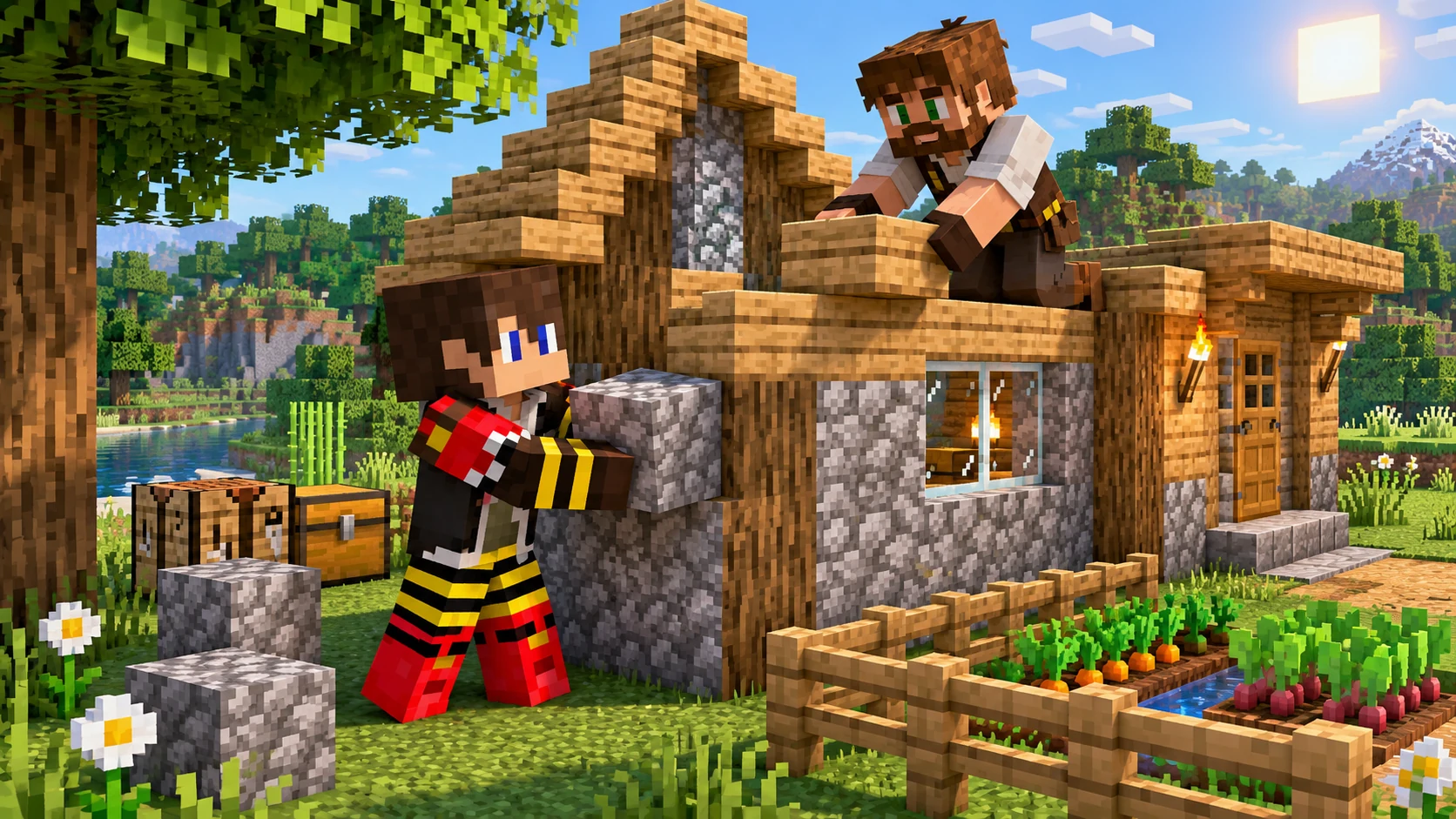
You do not need to know every crafting recipe to enjoy Minecraft with your child. A small project and a willingness to learn are enough for a useful first session.
Playing together also gives you a practical way to understand the menus, worlds and social features your child talks about. Start somewhere you have deliberately chosen together.
A guide for parents and carers
TogetherCraft is an adult Minecraft community. This guide supports parents and carers and is not an invitation for children to join.
In this guide
Make the first project small
Build a garden shelter, decorate a room or make a short path. Choose something you can finish and admire in one session.
Check how you will play together
Find out which Minecraft edition and devices you both use before buying anything. Java and Bedrock have different multiplayer arrangements; owning Minecraft does not mean every device and edition can automatically share the same world.
Use the official buying and multiplayer information for your setup. Keep your child on the appropriate child account, and review permissions without borrowing an unrestricted adult account to get around them.
Choose the setting before the project
For a first attempt, consider an appropriately configured shared world with agreed participants rather than an unfamiliar public server. Review who can join and how invitations work.
Creative mode can be useful for concentrating on a design with building materials readily available. If you choose Survival, agree whether gathering materials is part of the fun. The best starting point is the one you both understand.
Let your child teach one thing at a time
Ask how to move, place a block and remove a block before trying more complicated actions. Giving your child a small teaching role can turn your mistakes into an enjoyable part of the session.
You might ask, “Can you show me one roof shape?” rather than requesting an explanation of the entire game. Keep the pace comfortable and allow time to practise.
Share a project without taking it over
Agree who is doing what. One person could make the path while the other builds a small shelter, then you can choose plants together. Ask before altering someone else’s work.
Our suggested starter project is a picnic garden: a little seating area, a path, some flowers and lighting. It offers several small jobs without needing a large house or an ambitious resource list.
Use the session to learn the important menus
Ask where you leave the world and which player names are visible. If online features are enabled, look at the relevant communication and reporting tools together.
Keep safety conversation brief and practical: “What would we do if someone joined unexpectedly?” is a useful question. You can return to settings afterwards rather than interrupting every enjoyable moment with a lesson.
Finish with something to come back to
Agree a stopping time before starting, with enough notice to save and leave properly. Take a picture of the finished build if everyone is comfortable with that, checking that it does not reveal personal details.
Ask what they enjoyed and what they would like to show you next time. A small, completed project can make the next invitation feel easy, even if you still cannot remember which button opens your inventory.
Frequently asked questions
Do I need to be good at Minecraft?
No. Ask for a small demonstration and choose a manageable project. Learning can be part of the shared activity.
Should we start in Creative or Survival?
Creative can help you focus on building, while Survival adds gathering and other challenges. Choose according to what you both want from the session.
Can every Minecraft version play together?
No. Check the specific editions, devices and official multiplayer requirements before buying or setting up a shared game.
Do we need to join a public server?
No. Review the available local, shared world and private multiplayer arrangements for your setup before choosing how to play.
More parent guides
Minecraft Online Safety: A Practical Guide for Parents
Minecraft Parental Controls Explained: Accounts, Chat and Multiplayer