You have a good idea for a Survival build, but you are less sure about the roof. Changing it after gathering all the materials might turn one evening’s experiment into several sessions of rebuilding.
Creative testing for Survival builds can help you answer a specific design question before committing. For players drawn to the building side of a Hermitcraft like server, a small prototype can make an ambitious idea easier to plan.
- Separate the design question from the project
- Use a suitable permitted testing space
- Compare materials as part of a real shape
- Check whether the layout works for everyday play
- Translate the design into a realistic supply plan
- Build the Survival version within the rules
- Let the finished setting influence the final details
- Frequently asked questions
Test a decision, not the entire world
Choose one question: roof pitch, window spacing, wall depth or palette. Keep the experiment small enough that the result is easy to compare.
Separate the design question from the project
Write down what you need to decide. “Does this window fit a five block wall section?” is easier to test than “is the whole base good enough?”
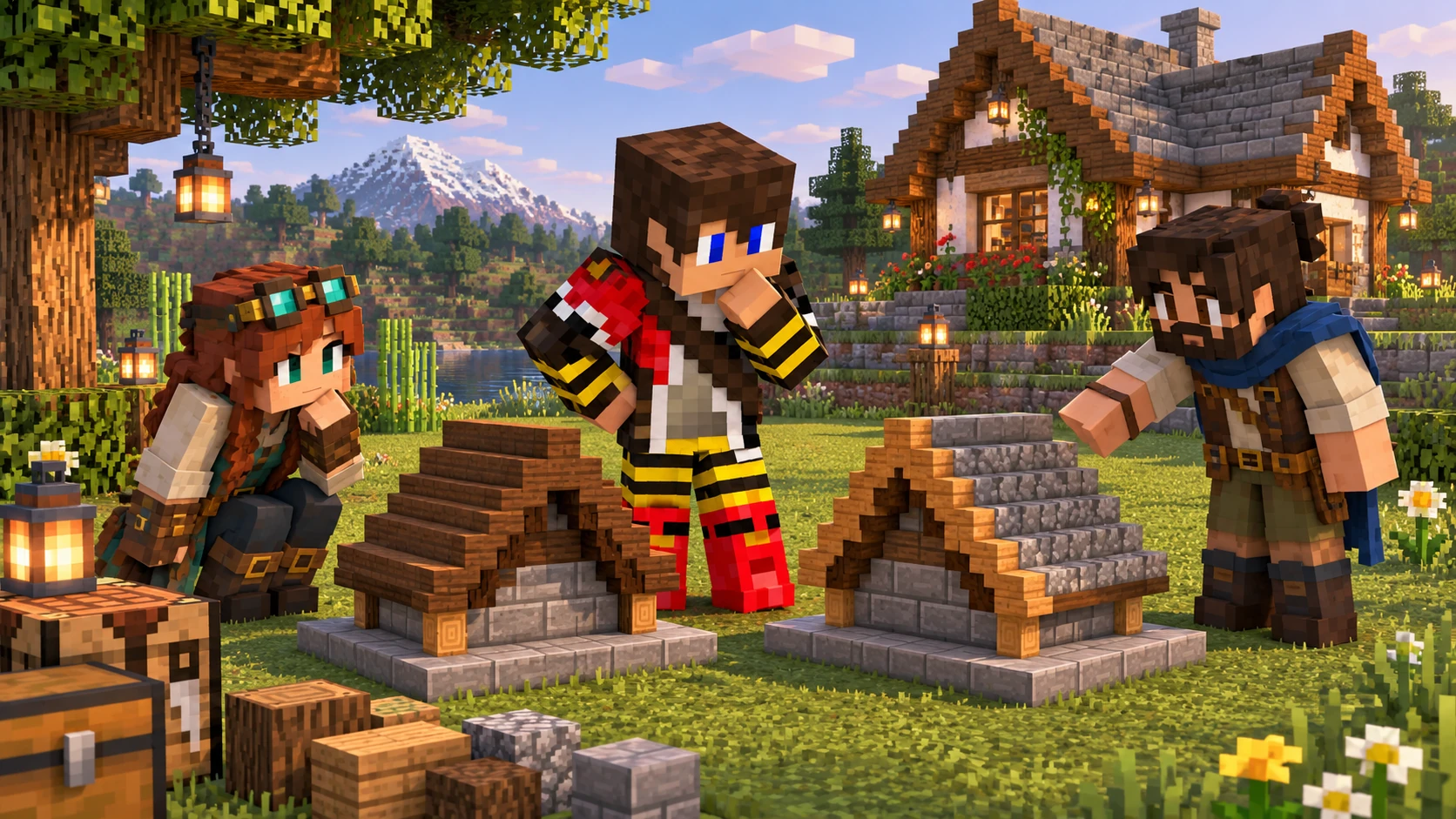
Build a small representative section and change one feature at a time. Keep the surroundings simple enough to see the difference. You can compare alternatives without furnishing a complete house for every version.
Use a suitable permitted testing space
Follow the rules of the world or plot where you test, including permissions for anyone helping. A prototype does not give you access to another player’s land.
TogetherCraft’s Guide describes its Creative server, which is available to Member rank and above. Read the current access and plot information before making plans. Do not assume a Newcomer can enter every server immediately.
Compare materials as part of a real shape
A row of blocks can help you choose colours, but also try the materials in the wall or roof you intend to make. Depth, neighbouring textures and the size of an accent can change how the combination reads.
Use the Block Palette Builder to explore possibilities, then test the shortlist in the world. Avoid treating a colour match as proof that the textures will look right together.
Check whether the layout works for everyday play
Try the doorways, stairs and routes between useful areas. Make sure there is room for the storage and workstations you actually want.
A prototype is a chance to notice an awkward corner before the finished exterior makes it expensive to change. Our practical cosy base guide covers designing around ordinary routines.
Translate the design into a realistic supply plan
Once you choose a version, note its dimensions and main materials. Distinguish the essential structure from optional decoration so you can build a useful first stage.
The building materials calculator can estimate simple solid shapes, but its assumptions still matter. Account for your openings, thickness and decorative features separately rather than treating the estimate as an exact bill for any design.
Build the Survival version within the rules
Testing a shape and placing it in Survival are separate steps. Follow claiming, district and tool rules, and do not assume that a design export or building shortcut is automatically permitted.
TogetherCraft restricts building assistance and prohibits automatic building tools. Check the approved mod rules before using helpers. Keep your first construction phase manageable, then add detail as the real setting suggests.
Let the finished setting influence the final details
The terrain, light and neighbouring builds may differ from your testing area. Treat the prototype as a plan you understand, rather than a reason to ignore the actual location.
A few changes can help the building belong to its surroundings. TogetherCraft is independent of Hermitcraft, and the result should serve your own place and the community’s expectations.
Frequently asked questions
Do I need to prototype an entire megabase?
No. Test the uncertain parts, such as a wall section or roof connection, at a useful scale.
Who can access TogetherCraft’s Creative server?
The current Guide says Member rank and above. Read the access and plot instructions before using it.
Will a material calculator count every detail of my design?
No. Check its assumptions and account for openings and decorative features separately.
Does testing a design permit automatic building tools?
No. The server’s approved mod and tool rules still apply when constructing the Survival version.
Explore the TogetherCraft Guide and Tools page to plan your next build. Visit our Discord if you would like to apply.