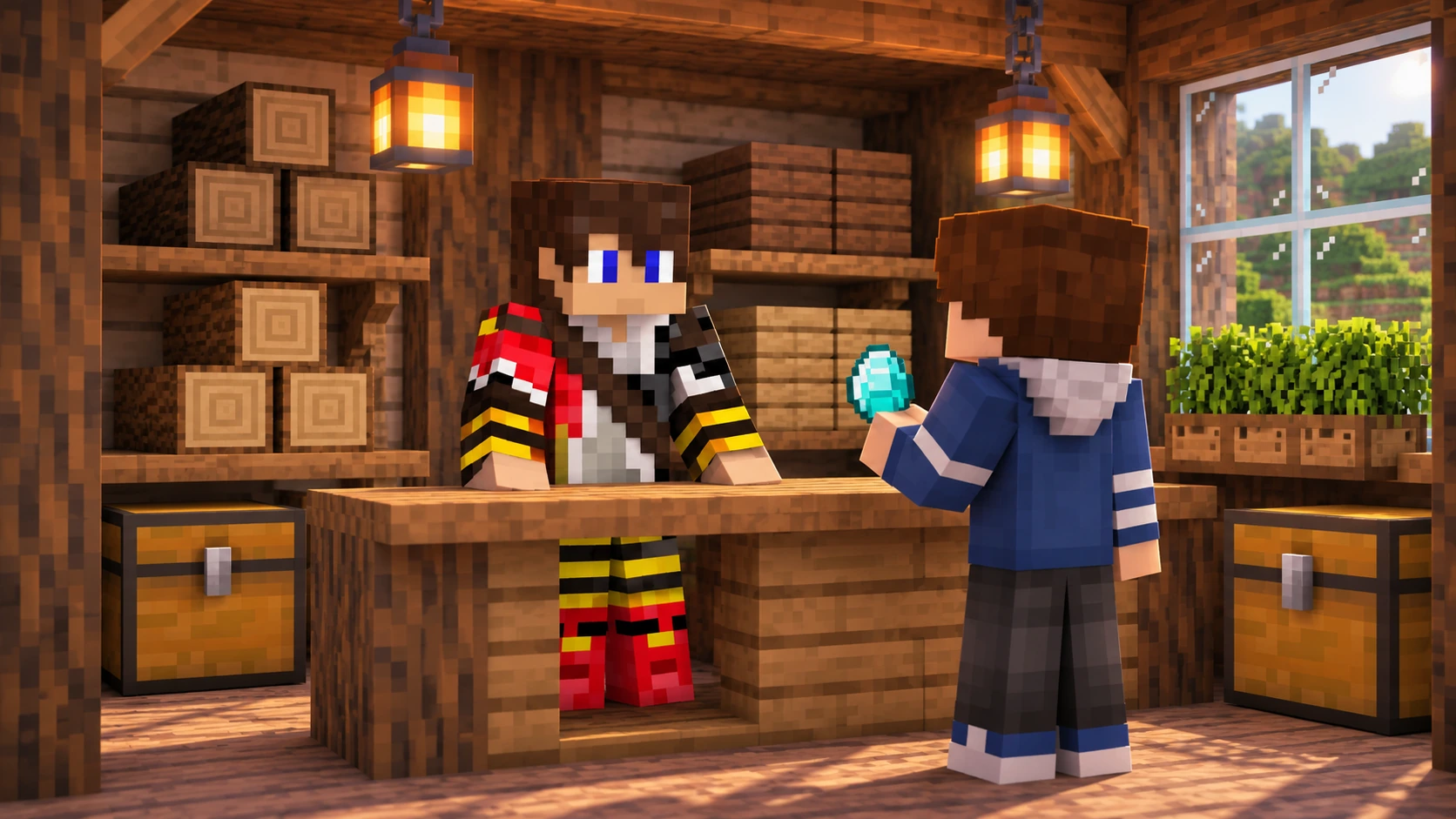
Your storage room is overflowing with spruce logs, a friend keeps asking where to buy lanterns, and you have an idea for a tiny shop with a roof far grander than the business needs. It might be time to open your first Minecraft shop.
To start a shop on a Minecraft SMP server, choose a product you can reliably supply, check the trading rules, plan your stock and make prices easy to understand. Then build somewhere customers can find and use comfortably.
This guide combines practical shop planning with TogetherCraft’s current Shopping District requirements. Other Survival Multiplayer servers may use different currencies, plots or trading systems, so check their rules before opening.
- Start with something you can keep stocked
- Choose a clear shop theme
- Check access and claim an appropriate plot
- Build around the customer’s visit
- Set clear prices and quantities
- Plan a manageable stocking routine
- Help customers find your shop
- Your opening checklist
- Frequently asked questions
Start with something you can keep stocked
Begin with materials you already enjoy gathering or making. A shop can give your ordinary Survival activities a purpose, but it also creates a job to return to. Choose something you can replenish without spending every available evening chasing stock.
Before claiming land, prepare a small opening supply and try gathering a replacement batch. That gives you a more realistic sense of the work than the contents of a chest you filled over several months.
- Think about your routine. A wood shop may suit someone who likes gathering timber; a food shop may suit someone who enjoys farming.
- Check what customers can already buy. Browse existing shops and notice the range available, without assuming an empty shelf proves lasting demand.
- Start with a focused range. A few related products are easier to label and restock than dozens of unrelated items.
- Check the production rules. Any farms or redstone used to supply the shop must comply with the server’s rules.
Sales are never guaranteed. A small first shop gives you room to learn what people buy and how much upkeep you want.
Choose a clear shop theme
A clear theme helps customers understand the shop before they open a chest. It also gives you a direction for the building. A lantern shop might look like a lamp maker’s workshop, while a wood shop could be a compact timber yard.
TogetherCraft requires original, themed shops whose stock fits the theme. General stores and temporary shops designed to sell everything quickly are not allowed. The Shopping District section of the Guide includes examples such as wood, food, glass, dyes and potions.
Write a one sentence description before designing: “This shop sells logs and related wood products.” If the description becomes a long list of unrelated categories, narrow it down. Ask staff if you are unsure whether a proposed theme fits.
Check access and claim an appropriate plot
On TogetherCraft, you need Member rank or above to enter the Shopping District. Read the Guide’s rank instructions and the full Shopping District rules before claiming a plot.
| Before opening on TogetherCraft | What to check |
|---|---|
| Access | Member rank or above is required to enter the Shopping District. |
| Plots | Marked plots are 15 by 15 blocks. Claim a vacant plot using its FREE PLOT sign. |
| Ownership | A maximum of two shops or plots per player. Shared or jointly owned shops are not allowed. |
| Opening | Finish building and stock your shop within seven days of claiming. |
| Building limits | Stay within the plot, including roof overhangs and decoration. Build no more than 20 blocks above or below ground level. |
| Pricing | Price Index entries are minimum selling prices. You may charge more, but not less. |
| Upkeep | Empty or unstocked shops for 14 days, or owners inactive for 45 days, face removal or auction under the rules. |
Plots are free to claim. Find an officially marked vacant plot with a FREE PLOT sign and put your name on that sign. Do not create your own plot or claim two at once: you must finish and stock the first shop before claiming a second.
TogetherCraft shops must be in the Shopping District. Do not set up a shop beside your base as a shortcut around the district rules. There is also a restriction on building within 3,000 blocks of the Shopping District, so check the rules before planning nearby projects.
Gather supplies before claiming
You have seven days to complete and stock a TogetherCraft shop after claiming its plot. Prepare your palette, design and opening stock first so the deadline does not turn a relaxed project into a rush.
Build around the customer’s visit
Plan the inside before committing to a complicated exterior. A customer should be able to enter, identify a product, understand the price and follow the payment instructions without hunting around the room.
Keep walkways clear and give similar products consistent positions. Check where containers open, whether labels can be read from a normal standing position and whether your payment instructions clearly relate to the correct stock. Add an Ender Chest, as recommended in TogetherCraft’s opening checklist.
Place a visible sign at the front of the plot with the shop name and owner name. Keep the entire build inside the marked boundary, including eaves, leaves, decorations and anything underground. Two plots cannot be merged.
TogetherCraft currently limits each shop to two armour stands and 16 item frames. Mobs, villagers, Nether portals, minecarts, boats, beacons and farms are not allowed in the Shopping District. Use the full rules as your reference before decorating.
For design inspiration, our Minecraft SMP build ideas include a small themed shop you can develop around its stock.
Set clear prices and quantities
A good price label answers three questions: what is being sold, how many items the customer receives and what they must pay. State whether the quantity refers to individual items, a stack or another clearly defined amount.
On TogetherCraft, use the words diamonds or diamond blocks. Rule 5.1 does not allow abbreviations such as “d” or “db”. Make the quantity equally clear so a customer does not have to guess whether a price covers one item or several stacks.
Check the Price Index for each product and its listed quantity. Its prices are the minimum you may sell for, rather than optional suggestions. You can charge more, but you cannot sell below the listed minimum. Compare equal quantities when working out a price for a different pack size, and ask staff if the entry or conversion is unclear.
You can then consider the time and effort involved in supplying that product. Do not rely on a price remembered from another server or an older screenshot. Recheck the current index when adding stock or changing prices.
Discounts still have limits
TogetherCraft permits sales only when prices respect the Price Index. Coupons, giveaways and free items are not allowed under the Shopping District rules. Check the rules before planning an opening promotion.
Plan a manageable stocking routine
Separate the products you intend to sell from your own building supplies. Keep a simple note of what is running low, what needs gathering and which price labels need changing. Our storage guide can help you organise your supplies at your base.
After opening, look at what has actually sold before expanding the range. Keep the theme coherent, and avoid adding products simply because you have a spare chest of them. A reliable small shop can be easier to maintain than a much larger one.
Check the shop during your usual playing sessions. Collect payments as intended, replace stock and make sure signs still match the quantities offered. Do not leave an empty building indefinitely: TogetherCraft’s rules allow removal or auction when shops are empty or unstocked for 14 days, or owners are inactive for 45 days.
If you expect a longer break, contact staff about your situation before assuming the plot can stay reserved. Reading the inactivity rules early helps you choose a shop size that fits your available time.
Help customers find your shop
Give the shop a memorable name and a short description of what it sells. Keep the description specific: the type of goods and its location are more useful than promising to be the best shop on the server.
Use the TogetherCraft Shop Directory to see how shops are listed and follow its submission process for your own listing. Keep the name, owner, location and stock description accurate. A listing helps people find the shop; it does not replace keeping the actual shelves stocked.
The Guide also recommends promoting your shop in the shopping channel on TogetherCraft’s Discord. Follow the channel rules, share useful information and avoid repeatedly posting the same advert. Never change another player’s shop or signs to direct customers to yours.
Your opening checklist
- The shop meets access, ownership and plot requirements.
- The building is complete, original and clearly themed.
- All blocks and decorations fit inside the plot and building limits.
- A visible front sign shows the shop name and owner.
- Products are stocked and easy to identify.
- Prices show the exact quantity and use diamonds or diamond blocks in full.
- Every price meets the current Price Index minimum.
- Payment instructions are clear, and the layout is easy to use.
- You have checked display limits, prohibited features and upkeep rules.
Take one final walk through as if you had never visited before. If you need to explain the buying process in chat every time, improve the signs before opening.
TogetherCraft is an independent, whitelisted adult Minecraft community for Java Edition. If you enjoy the player economy associated with Hermitcraft style servers, a themed shop can be a rewarding project alongside your base.
New to the community? Read the Guide and Rules, then join the TogetherCraft Discord and follow the application instructions. You can settle in and work towards Shopping District access before planning your opening day.
Frequently asked questions
What should I sell in my first Minecraft SMP shop?
Choose a focused range you enjoy producing and can reliably restock. Check existing shops, server rules and any pricing requirements before deciding. Demand and sales are not guaranteed.
What rank do I need to enter TogetherCraft’s Shopping District?
Member rank or above. The Guide explains the rank system and Shopping District access.
How do I claim a TogetherCraft shop plot?
Find a marked vacant plot with a FREE PLOT sign and put your name on the sign. Plots are free to claim. You must finish and stock your shop within seven days.
Can I sell below the TogetherCraft Price Index?
No. Listed prices are minimum selling prices. Sales must also respect those minimums, and the Shopping District rules prohibit coupons, giveaways and free items.
How big can my TogetherCraft shop be?
Plots are 15 by 15 blocks. Keep the entire build within the marked plot and no more than 20 blocks above or below ground level. Check the full rules for display limits and prohibited features.
What happens if I stop stocking my shop?
Under the current rules, shops empty or unstocked for 14 days can be removed or auctioned. Shops belonging to owners inactive for 45 days are also subject to removal or auction, without reimbursement under the rules.