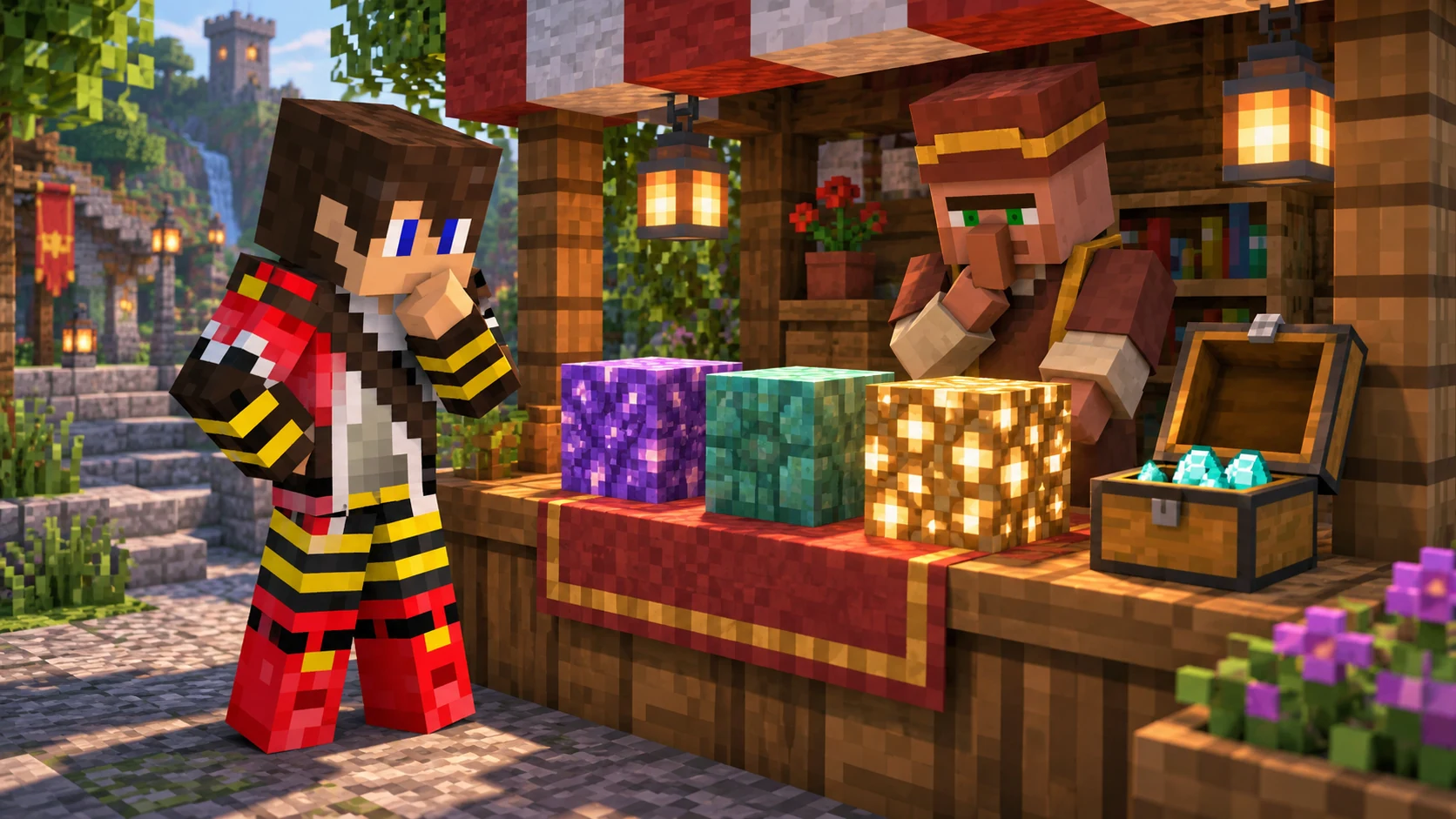
A new world, a skin pack and a subscription are different purchases, even if a child describes all three as “something for Minecraft”. Understanding what is being bought helps you make a clear family rule.
Start with the actual checkout. The store handling payment determines which controls and support route you need.
A guide for parents and carers
TogetherCraft is an adult Minecraft community. This guide supports parents and carers and is not an invitation for children to join.
In this guide
Ask what the price buys
Check the real money cost, the account receiving the purchase and whether it is a single purchase or a recurring subscription before approving it.
Separate the game from additional content
Buying Minecraft does not mean every optional product or service is included. Depending on the edition and platform, a child may encounter Marketplace content, virtual currency, subscriptions or an independent server store.
Ask your child to show you the item rather than describe it from memory. Read the listing together, including device compatibility, what is included and any conditions. Avoid buying a similar looking product from an unfamiliar link.
Translate virtual currency into a real decision
Minecoins are used for eligible Minecraft Marketplace purchases on supported platforms. Check the currency and payment options shown on your device rather than assuming every platform works identically.
Our suggested family habit is to discuss the real money being added before buying currency. A remaining balance can make a later item feel free even though the balance originally cost money. Decide whether that balance needs separate approval to spend.
Review the relevant purchase controls
Microsoft Family Safety provides spending controls for supported Microsoft purchases, including approval settings and account balance arrangements. Follow the official instructions linked below for the child’s account.
Approval and preloaded balance are different arrangements. Do not assume that requiring approval for a payment card also requires a new request whenever existing balance is spent. Review the current explanation of the controls you select.
Check other stores separately
If a console, mobile store or independent website handles the purchase, review that provider’s own family and billing settings. Microsoft settings should not be treated as a universal block on every Minecraft related payment.
Protect the adult store account and avoid leaving an unrestricted purchasing route available on a shared device. Explain who can approve a purchase so another family member does not accidentally undo the arrangement.
Read subscription details before starting
For any subscription or trial, check the renewal date, ongoing cost, account owner and cancellation instructions. Keep the confirmation somewhere the responsible adult can find it.
A practical record can be short: service name, store, renewal date and who manages it. Review that list when changing devices or deciding that a child no longer uses a service. Cancellation and refund rules depend on the provider.
Make a calm plan for unexpected charges
If a purchase surprises you, identify the account and store on the receipt first. Review purchase history and use that provider’s official support process to ask about available options. Do not promise a refund before the provider confirms it.
Then revisit the family rule. Was the real price unclear, was a balance already available, or did the child have access to an adult account? Fix the actual route as well as discussing the decision.
Frequently asked questions
Does buying Minecraft include all Marketplace content?
No. Read the particular product and edition information before buying. Optional content and services may involve separate purchases.
Do Microsoft controls cover every Minecraft purchase?
No. Their scope depends on the account and billing route. Review other platform stores and independent checkouts separately.
Is a trial the same as a free service forever?
No. Check whether it renews, when payment starts and how to cancel through the provider handling the subscription.
Can I always get an accidental purchase refunded?
Refund eligibility varies. Find the receipt and contact the relevant store through its official support route.
More parent guides
Minecraft Online Safety: A Practical Guide for Parents
Minecraft Parental Controls Explained: Accounts, Chat and Multiplayer