
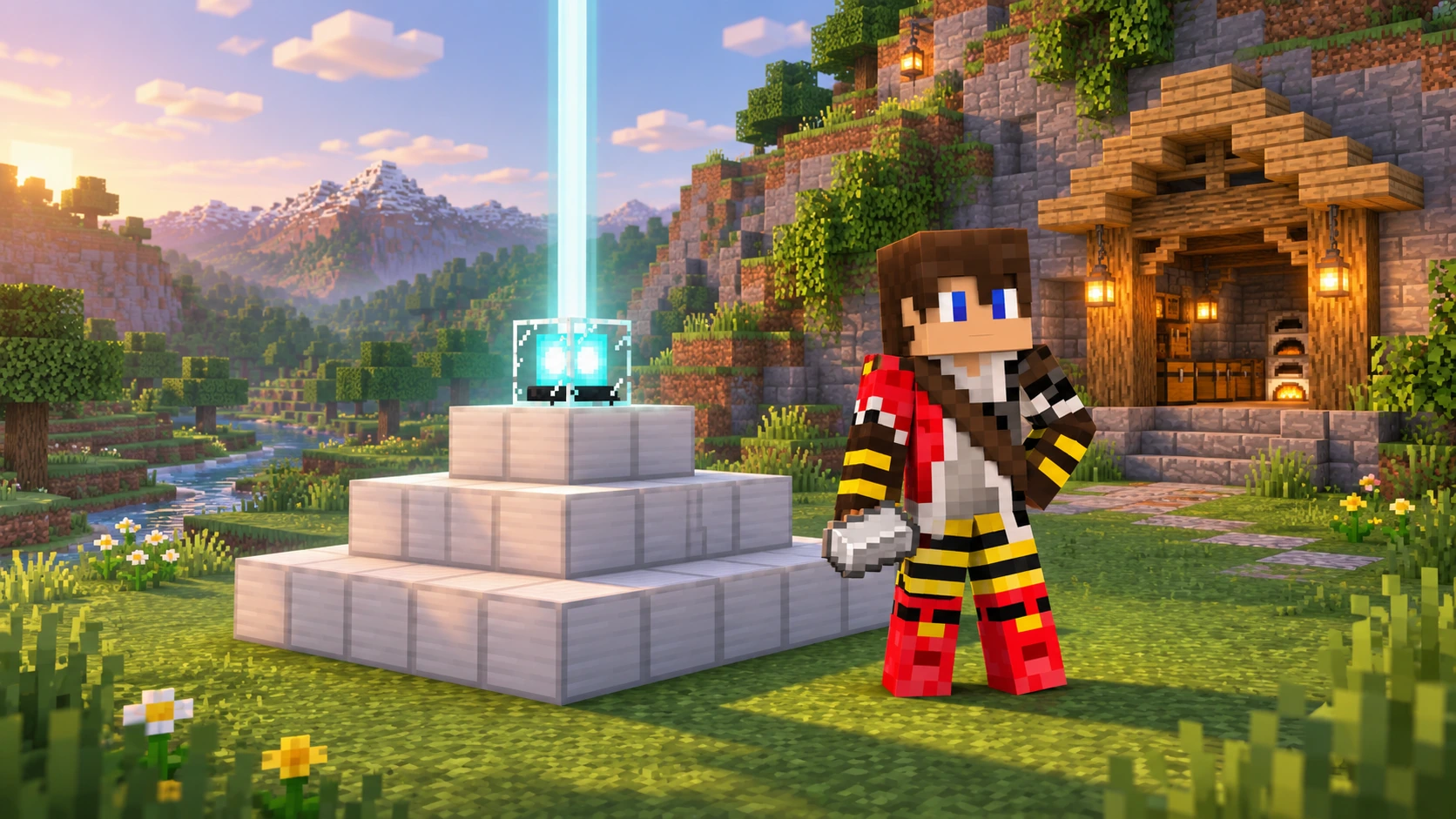
A beacon is one of those survival upgrades that makes a base feel properly established. There is a glowing beam above your home, useful powers while you work, and suddenly that enormous excavation looks a little more manageable.
Getting one takes some preparation, though. You need a Nether star, enough blocks for a pyramid and a clear idea of which power you want. This Minecraft beacon guide walks through the recipe, all four pyramid sizes, range, Haste II and a few simple ways to make the beam fit your build.
Quick answer: plan for four layers if you want Haste II
A full beacon pyramid uses 164 mineral blocks, arranged in layers of 9 × 9, 7 × 7, 5 × 5 and 3 × 3 from bottom to top. Put the beacon above the centre, leave its beam path clear and select Haste II in the menu. Its horizontal effect range is 50 blocks in each direction.
In This Guide
- Crafting a Beacon and Getting a Nether Star
- Beacon Pyramid Sizes and Materials
- How to Activate and Choose Powers
- Beacon Range and Placement
- How to Get Haste II
- Changing the Beam Colour
- Common Beacon Problems
- Frequently Asked Questions
- Build Something Brighter on TogetherCraft
Crafting a Beacon and Getting a Nether Star
The beacon block itself has a short ingredient list. The Nether star is the part that turns this into a larger survival project.
| Ingredient | Amount | Position in the crafting grid |
|---|---|---|
| Glass | 5 | Three across the top, plus one on each side of the middle row |
| Nether star | 1 | Centre |
| Obsidian | 3 | Across the bottom row |
A Nether star drops when you defeat the Wither. To summon that boss in ordinary survival, you need four blocks of soul sand or soul soil arranged in a T, with three wither skeleton skulls across the top. Place a skull last to complete the structure.
This is a boss fight rather than a routine crafting step. Prepare your equipment and choose the location carefully. On a multiplayer server, check the current rules and permitted locations before summoning a Wither, and keep it away from other players’ builds.
Our enchantments guide and potions guide can help you prepare supplies. This article focuses on setting up the beacon once you have the star.
Beacon Pyramid Sizes and Materials
A beacon needs complete, solid square layers beneath it. Build the widest layer at the bottom and centre every smaller layer above it. The beacon goes above the middle block of the top 3 × 3 layer.
| Pyramid level | Layers, bottom to top | Total mineral blocks | Horizontal range |
|---|---|---|---|
| 1 | 3 × 3 | 9 | 20 blocks each way |
| 2 | 5 × 5, 3 × 3 | 34 | 30 blocks each way |
| 3 | 7 × 7, 5 × 5, 3 × 3 | 83 | 40 blocks each way |
| 4 | 9 × 9, 7 × 7, 5 × 5, 3 × 3 | 164 | 50 blocks each way |
The totals include every block inside each layer. A hollow pyramid or a decorative outline will not give the same result.
Valid materials are blocks of iron, gold, emerald, diamond and Netherite. You can mix them within the same pyramid. Copper blocks, raw iron blocks, redstone blocks and lapis blocks do not qualify.
Iron works just as well as Netherite
The material does not change the powers, strength or range of a valid pyramid. We would use whichever eligible blocks are affordable and save the expensive display pyramid for a project where the appearance is the point.
For an entirely iron level 4 pyramid, 164 blocks require 1,476 iron ingots. That is 23 stacks and four ingots, before the separate payment for choosing a power.
If you are short on materials, begin with a smaller pyramid and expand later. Make sure the finished dimensions fit before surrounding it with paths, storage or a decorative floor.
How to Activate and Choose Powers
Once the pyramid is valid and the beam can pass upwards, open the beacon menu. Insert one iron ingot, gold ingot, emerald, diamond or Netherite ingot, choose an available power and confirm with the green tick.
We would normally use an iron ingot or another inexpensive accepted item. Paying with something rarer does not improve the effect.
| Pyramid level required | New options unlocked | Useful for |
|---|---|---|
| 1 | Speed I, Haste I | Moving around a base or improving mining speed |
| 2 | Resistance I, Jump Boost I | Reducing incoming damage or reaching higher places |
| 3 | Strength I | Increasing melee damage |
| 4 | Regeneration I as a secondary effect, or level II of the selected primary power | Adding health recovery or strengthening one chosen effect |
Higher levels retain the earlier choices. On a full pyramid, the usual decision is a primary power at level I with Regeneration I, or that primary power upgraded to level II.
For example, choose Speed I with Regeneration for a comfortable base area, or Haste II for a mining project. A single beacon does not automatically grant every available power at once.
You pay when confirming a selection
The ingot or gem is a selection cost, not fuel that burns down over time. You do not need to keep feeding the beacon while it runs. Changing the selected powers requires another payment.
Beacon Range and Placement
Use the range table when choosing the location, rather than assuming the beam’s visibility tells you where the power reaches. In Java Edition, coverage is a square horizontally, with a limited reach below the beacon and coverage extending upwards through the world when the beacon remains active.
A full pyramid reaches 50 blocks out horizontally and 50 blocks down. For deep excavation, put the beacon near the working depth and leave a clear beam shaft above it. A beacon on top of a mountain may be too high to help at the bottom of your mine.
The game must also keep the area active. Server simulation settings can affect practical coverage, so check for the status effect where you actually plan to work.
We would test the corners and lowest point of a large project before committing to the permanent location. It is easier to move an exposed pyramid than to redesign a finished hall around it.
How to Get Haste II
Haste II is the reason many players build their first full beacon. It pairs particularly well with an Efficiency V diamond or Netherite pickaxe for clearing stone.
- Complete all four pyramid layers, using 164 valid mineral blocks.
- Place the beacon above the centre and check that its beam is active.
- Open the menu and select Haste as the primary power.
- Choose the Haste II option in the secondary section, rather than Regeneration.
- Insert an accepted payment item and confirm the choice.
- Check that Haste II appears among your effects before testing your pickaxe.
| Mining setup | What to expect |
|---|---|
| Haste I | A useful speed boost, but not the full Haste II setup |
| Haste II with an Efficiency V diamond or Netherite pickaxe | Instant mining of ordinary stone under normal mining conditions |
| The same setup on deepslate | Faster mining, but ordinary survival Haste II does not instantly mine deepslate |
| Working beyond beacon coverage | The effect stops being refreshed and eventually expires |
Use the correct tool, stand on the ground and check for conditions such as Mining Fatigue if the result seems slower than expected. Haste is a mining speed boost, not a promise that every block breaks instantly.
Our ore generation and diamond mining guide helps with choosing a mining depth. The storage guide is also useful once a few minutes of fast digging becomes several chests of stone.
Changing the Beam Colour
Place stained glass or a stained glass pane in the beam’s path above the beacon to change its colour. You can experiment with several stained glass colours in the same beam to create a blended result.
The colour is decorative. A red beam does not mean Strength, and a blue beam does not mean Haste. Choose something that suits the surrounding build or makes different project areas easier to recognise.
We would try light blue for a mountain workshop, green for a garden base or purple for a magical tower. Keep the beacon itself reachable so future changes do not involve dismantling the decoration.
Keep the beam route clear
Ordinary opaque blocks above the beacon can stop it working. Glass is useful when you want a window through a roof. For colouring, use stained glass; tinted glass is a different block.
Common Beacon Problems
| Problem | What to check first |
|---|---|
| No beam | Check the complete top 3 × 3 layer, valid base materials and the route above the beacon |
| Some powers are unavailable | Check that every required layer is complete, including hidden interior blocks |
| Haste II is missing | Complete level 4 and select Haste II in the secondary section |
| Beam is active but no selected effect | Check the payment, selected power and confirmation tick |
| Effect works at the base but not in the mine | Check horizontal distance and how far below the beacon you are |
| Diamond payment gives no better result | Payment materials all serve the same selection purpose |
| Mining is faster but deepslate is not instant | That is expected with ordinary survival Haste II |
Start by testing a simple exposed setup before hiding the pyramid inside a build. If it works there, add the decoration gradually and check the beam as you go.
If you expand an existing pyramid, reopen the menu when you want a stronger selected power. Increasing the base size does not automatically change Haste I into Haste II.
Frequently Asked Questions
How many blocks does a full beacon need?
A single full pyramid needs 164 valid mineral blocks across four solid layers. The beacon block itself is additional.
Which blocks can I use for a beacon pyramid?
Use blocks of iron, gold, emerald, diamond or Netherite. You can mix eligible materials, but the layers must be complete.
Does a Netherite beacon work better than an iron beacon?
No. With the same complete pyramid size, the eligible materials give the same power options and range. Choose according to cost or appearance.
Why can I not select Haste II?
You need a complete level 4 pyramid. Select Haste as the primary power, then Haste II in the secondary section, pay and confirm.
Does a beacon need constant fuel?
No. The payment is consumed when you confirm a power selection. You do not need a continuous supply of ingots or gems.
Can I use a beacon underground?
Yes, if the pyramid is valid and the beam can pass upwards. Plan the shaft and location so the effect reaches your working area.
Can Haste II instantly mine deepslate?
Not with the ordinary survival setup. Haste II and an Efficiency V diamond or Netherite pickaxe can instantly mine stone, but deepslate remains slower.
Does changing the beam colour change the power?
No. Stained glass changes the beam’s appearance. The active effects are chosen separately in the beacon menu.
Build Something Brighter on TogetherCraft
Your first beacon can mark the start of a much bigger project. Set it up where it helps, choose the power for the job and leave yourself a little room for the inevitable expansion.
On TogetherCraft, our adult Minecraft server is full of projects that grow from a small idea into something special. If you enjoy the shared creativity of a Hermitcraft like server, a useful beacon can become the centre of a workshop, community build or ambitious excavation.
Browse the Shop Directory for supplies, check the Price Index when planning purchases, and read the current rules before arranging a Wither fight or large resource project.