A family gaming agreement works best when everyone understands what it means during an actual session. “Be sensible online” leaves plenty of room for confusion. “Ask before joining a new world” is something a child can act on.
Use the starter wording below as a conversation tool. Adapt it to your child, your household and the devices involved.
A guide for parents and carers
TogetherCraft is an adult Minecraft community. This guide supports parents and carers and is not an invitation for children to join.
In this guide
Write it together
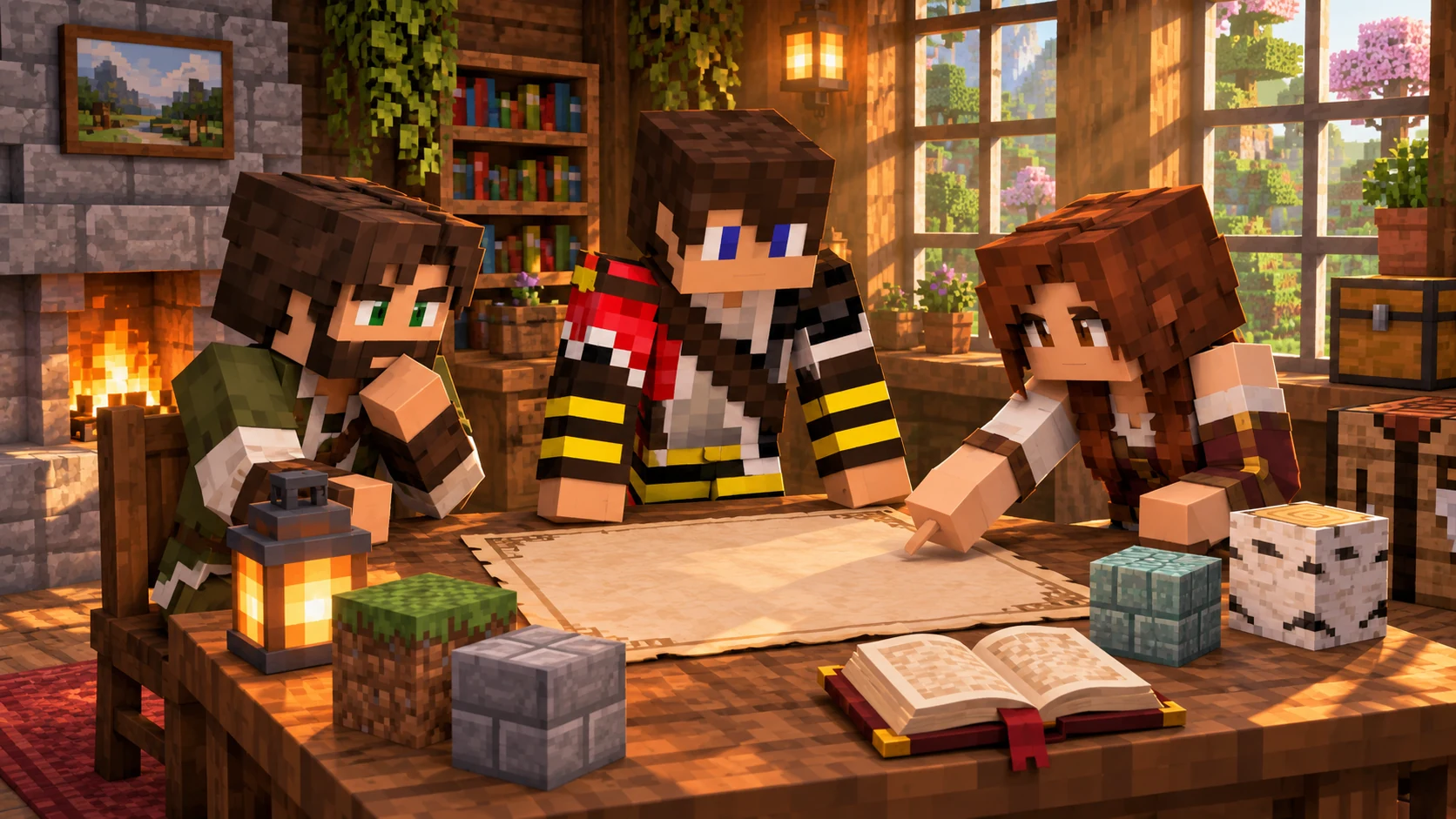
Ask your child what would make the agreement fair and easy to remember. Adults should have clear commitments too, including listening when help is needed.
Start with the purpose
Explain what you want the agreement to achieve: enjoyable play, understandable boundaries and a reliable way to ask for help. Include something your child values, such as time to finish a small shared project.
Keep the first version short enough to remember. A long document that nobody looks at is less useful than a handful of specific arrangements you can revisit.
Name the approved play spaces
Our suggested wording is: “We agree which worlds, Realms or servers I can join. I ask before accepting a new invitation or changing to a different community.”
Add the actual names privately to your household copy. Include who can approve a change and how you will check the new environment. Permission to play Minecraft should not silently become permission to join any public server.
Agree the beginning and end of a session
Choose a routine that fits school, meals, sleep and other activities. There is no single schedule in this article that every family must follow. Make the start and stopping arrangements clear before play begins.
Example wording: “We agree when the session ends. An adult gives me notice, and I start finishing my current task so I can leave on time.” Discuss how to handle a shared project without promising an unlimited extension.
Include privacy, purchases and downloads
Try: “I ask before buying anything, adding currency or starting a trial. I ask before installing files or joining a separate communication app.” Discuss the difference between existing balance and a new payment.
Add: “I keep personal information, passwords and account codes private. If someone asks for them, pressures me or asks me to hide contact, I stop and speak to a trusted adult.” Use examples appropriate to your child’s understanding.
Make asking for help a shared commitment
A child’s commitment could be: “I tell a trusted adult if something feels wrong, even if I made a mistake.” The adult commitment matters just as much: “We listen, thank you for telling us and help work out what to do.”
Agree which adult to approach and a backup if that person is unavailable. Practise leaving a session and locating relevant reporting tools. Avoid making help conditional on following every rule perfectly.
Choose a review point
Write down when you will look at the agreement again, perhaps after trying the routine or changing devices. Ask what worked, what was unclear and whether the practical settings still match your decisions.
Keep your household version private. It can contain information about schedules and accounts that does not belong in a public post or server application. Update the arrangement through discussion rather than expecting one document to last forever.
Frequently asked questions
Does a family agreement replace parental controls?
No. Use it alongside appropriate account and device settings, supervision and ongoing conversation.
Should the agreement be identical for siblings?
Consider each child’s needs and the services they use. Explain any differences clearly rather than assuming the same arrangement fits everyone.
What if my child breaks a rule?
Work out what happened and respond proportionately. Keep asking for help separate from punishment so mistakes are easier to disclose.
Can we copy the example wording?
Yes. The examples here are starter wording from TogetherCraft. Adapt them together and keep personal details in your private household copy.
More parent guides
Minecraft Online Safety: A Practical Guide for Parents
Minecraft Parental Controls Explained: Accounts, Chat and Multiplayer