Redstone does not need to become a second job. If you have an evening to play after work, a light you can switch on or a door that opens at a button press is a perfectly useful place to start.
These two small builds introduce an input and an output without clocks, observers or piston timing. The instructions describe standard Minecraft behaviour; check the result in your edition and server before building the surrounding decoration.
In this guide
Build the working part first
Place the components in the open, confirm that they work, then add walls and decoration. Troubleshooting is easier while you can still see everything.
Understand the three useful parts
An input starts the action, a connection carries power where needed, and an output responds. A lever stays in its chosen state until you change it; a button provides a temporary signal.
For a very small build, the input can sit directly on the output or its neighbouring support. You do not always need a trail of redstone dust, and adding one unnecessarily can make a simple idea harder to follow.
Build one: a lamp with a direct switch
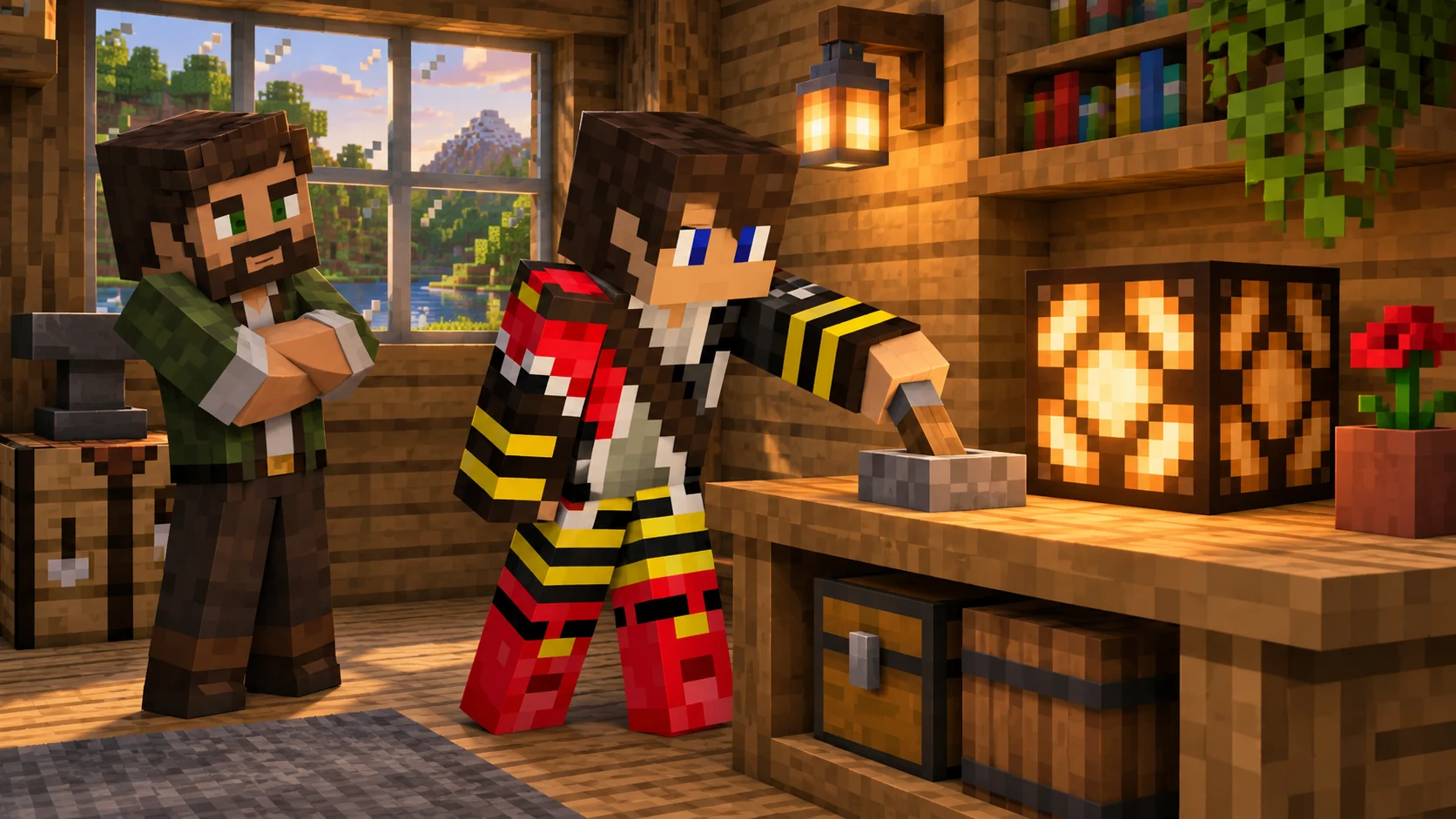
Gather one redstone lamp and one lever. Place the lamp where you can reach its side, then attach the lever directly to the lamp. Use the lever: the lamp should light when powered and go dark when switched off.
This is useful as an adjustable workshop light or an obvious indicator beside a machine. It also gives you a deliberately tiny first test. If it does not respond, check that the lever is actually attached to the lamp rather than another block nearby.
| Component | Quantity | Placement |
|---|---|---|
| Redstone lamp | 1 | Accessible on a solid supporting surface |
| Lever | 1 | Attached directly to the lamp |
Build two: a button operated iron door
Gather one iron door, two stone buttons and full solid blocks for the floor and doorway. Place the door on the floor. Put a full solid wall block immediately beside its lower half, then place a button on each face of that wall block, one accessible from each side.
Pressing either button powers the neighbouring support and opens the door briefly. Test entering and leaving several times before finishing the wall. Keep both controls visible until you are happy with the layout; a button hidden behind decoration is frustrating when you are trying to get out.
Know what these builds do not provide
An iron door is a convenience, not an ownership system. Anyone who can reach the button can press it. A hidden switch does not replace server rules or permission to enter an area.
A switched lamp also stops lighting its surroundings when turned off. Keep permanent lighting where you need dependable illumination, rather than making the only light in a shared route optional.
Use a short troubleshooting routine
First check that the component you placed is the intended one. Next check which block the switch is attached to, then whether another nearby power source is holding the output on.
Remove extra decoration while testing. Change one thing at a time and repeat the action from both sides of the door. Once the smallest version behaves correctly, rebuild the surrounding wall without burying the controls.
Keep shared server rules in the design
TogetherCraft requires redstone devices to have a way to be disabled and prohibits lag machines and chunk loaders. Build within the current component limits, label controls clearly and ask staff if a design needs clarification.
These examples avoid constantly running clocks. When you expand an idea, keep access for maintenance and a clear shutdown method. Read the redstone rules before adding more machinery.
Frequently asked questions
Do these builds need redstone dust?
The direct lamp switch and neighbouring button support described here do not need a dust trail.
Why will my iron door not open by hand?
Iron doors respond to redstone power rather than the normal use action that opens wooden doors.
Does an iron door protect my claim?
No. It is a door mechanism, and reachable controls can be used by others. Respect ownership and access rules.
Can I turn off my only path light?
Keep dependable lighting on important routes. A switched lamp is best treated as additional or deliberately controlled lighting.
Keep planning your next session
TogetherCraft is an adult Minecraft community. Explore the server guide and current rules if you are looking for a shared world for your next project.